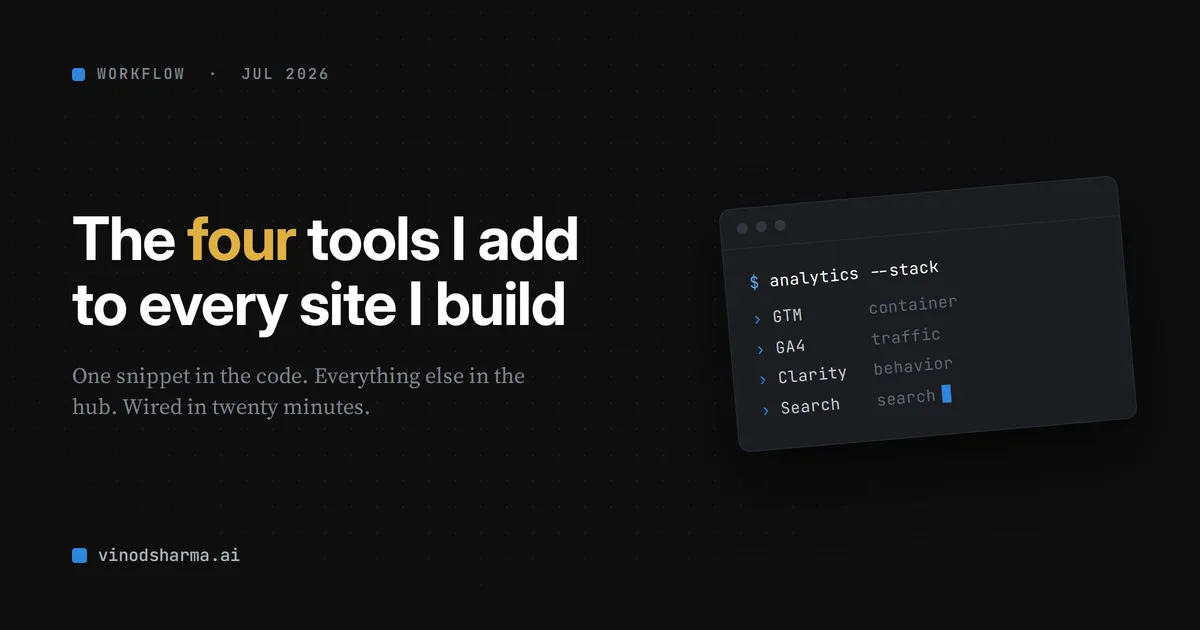
One snippet in code. Everything else in the hub.
How I wire it in Next.js
The GTM snippet is the only thing that touches the codebase. I keep the ID in an environment variable so the same code runs on every site.
// layout.tsx
const GTM_ID = process.env.NEXT_PUBLIC_GTM_ID;

// in <head>
{GTM_ID && (
  <Script id="gtm" strategy="afterInteractive">
    {`(function(w,d,s,l,i){ /* standard GTM snippet */ })(window,document,'script','dataLayer','${GTM_ID}');`}
  </Script>
)}
Then NEXT_PUBLIC_GTM_ID=GTM-XXXXXXX in .env.local and in the host (Vercel, for me). The GTM ID is public, it ships in the page anyway, so it is not a secret.
One warning from experience: if you copy a codebase to start a new site, check that GTM ID. I once had a fresh site quietly reporting into an old project's container for weeks because the hardcoded ID came along for the ride. Env variable per site, and this stops happening.
Then, inside GTM, add two tags:
- GA4: a Google Tag with your
G-XXXXXXXXXXmeasurement ID, trigger "All Pages." - Clarity: the easiest path is to open Clarity, go to Setup, and pick "Google Tag Manager." Clarity installs its own tag into your container for you. No snippet to paste.
Publish the container. Done.
Search Console is separate and needs no code. Add your domain, verify it, and submit your sitemap.xml. On careerleap.app the DNS is on Cloudflare, so it verified in one click. Then submit your sitemap.xml.
The two mistakes that cost me time
Every time I teach someone this, the same two things trip them up. They tripped me up too.
1. "Google Tag" vs "GA4 Event." When you add GA4 in GTM, pick the tag type called Google Tag. There is another one called "Google Analytics: GA4 Event." That one is for tracking specific actions later, and it forces you to name an event. If you pick it by mistake, you get a red error and no pageviews. You want Google Tag. It sends pageviews automatically. That is all you need to start.
2. Preview is not published. GTM has a Preview mode that shows your tags firing. It feels like it is working. It is only working for you. Real visitors get nothing until you click Submit, then Publish. I have watched people set everything up perfectly, check Preview, see green, walk away, and wonder a week later why their reports are empty. Publish the container.
Do it on day one
That is the whole thing.
Four tools. One snippet in the code. Everything else managed in a dashboard you can change without a deploy.
Traffic, behavior, search, all wired in about twenty minutes.
The best time to add analytics is before you have any traffic. The second best time is now, before the page you forgot about suddenly has some.
Put it on day one. Future you, staring at a spike with no idea where it came from, will thank you.
What is the first thing you wire into every new site?